
ADVOCACY
More than 1.2 million Floridians lack a high school diploma or struggle daily with low literacy skills. We monitor legislation, rules and regulations, and encourage those which are beneficial to adult, literacy, technical, community and workforce education.

PROFESSIONAL DEVELOPMENT
From face-to-face meetings, conference calls, ACE Conferences, regional training, to statewide meetings, workshops and webinars ACE provides adult educators with news and resources affecting adult education.

MEMBERSHIP
For nearly 25 years, the ACE has provided its members professional development, advocacy for adult education legislation. If you are an administrator, educator or adult education vendor, we hope you will become a member of ACE of Florida.
ACE of Florida Foundation
Like many organizations, ACE has seen a dramatic downturn in funding over the past several years. And while we believe that adult education has never been more important to the economic viability or our state, we need your help to ensure that we can continue to provide services to our ACE membership and to the adult education students statewide. To help guarantee the future of ACE of Florida, we have established the Adult and Community Educators of Florida Foundation (a 501 C-3). The ACE of Florida Foundation will help us to expand our resources, increase our advocacy efforts, boost our visibility and enhance our professional development training opportunities.

Mission of Adult Education:
The mission of adult education in Florida is to provide adults with educational opportunities to acquire and improve their literacy skills necessary to be self-sufficient and to participate effectively as productive workers, family members and citizens.
Know the Facts:
- 19% of Floridians do not have a high school diploma or GED. (2010 US Census)
- Nearly three-fourths of high school students who co-enrolled in adult education remained in school or graduated. (OPPAGA)
- One-third of recent high school dropouts served by adult education returned to high school or obtained a high school credential. (OPPAGA)
Why Adult Education Students Enroll:
- Most adult education students are adults who want to improve their employability. Floridians’ quality of life is impacted by their employment. Adult education provides the foundation to transition to higher educational levels and higher wages.
- Adult education students also include adults who are trying to better their English literacy skills to improve employability.
- Adult education ensures that adults who are willing workers have the opportunity to obtain the skills required to meet the demands of employers.
- Adult education is the stepping stone to career, technical, vocational programs and postsecondary education. Higher educational skills translate into higher wages and a more productive workforce for Florida.
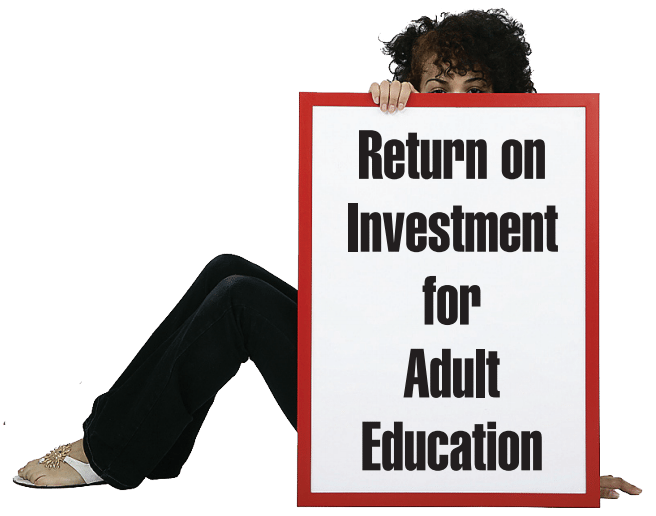
ADULT EDUCATION IS AN INVESTMENT THAT CAN HELP CAPTURE SOME IF NOT ALL OF THESE POTENTIAL INDIVIDUAL GAINS BOTH ECONOMICALLY AND SOCIALLY.
Economic Benefits to the Individual
- Higher Salaries and Benefits
- Enhanced Employment Opportunities and Stability
- Higher Savings Levels
- Improved Working Conditions
Individuals Gain Important Private Social Benefits
- Improved Health and Life Expectancy
- An Improved Quality of Life for Children and Dependents
- More Informed Consumer
Better Decision Maker
- Higher Personal Status
- More Time for Hobbies and Leisure Activities